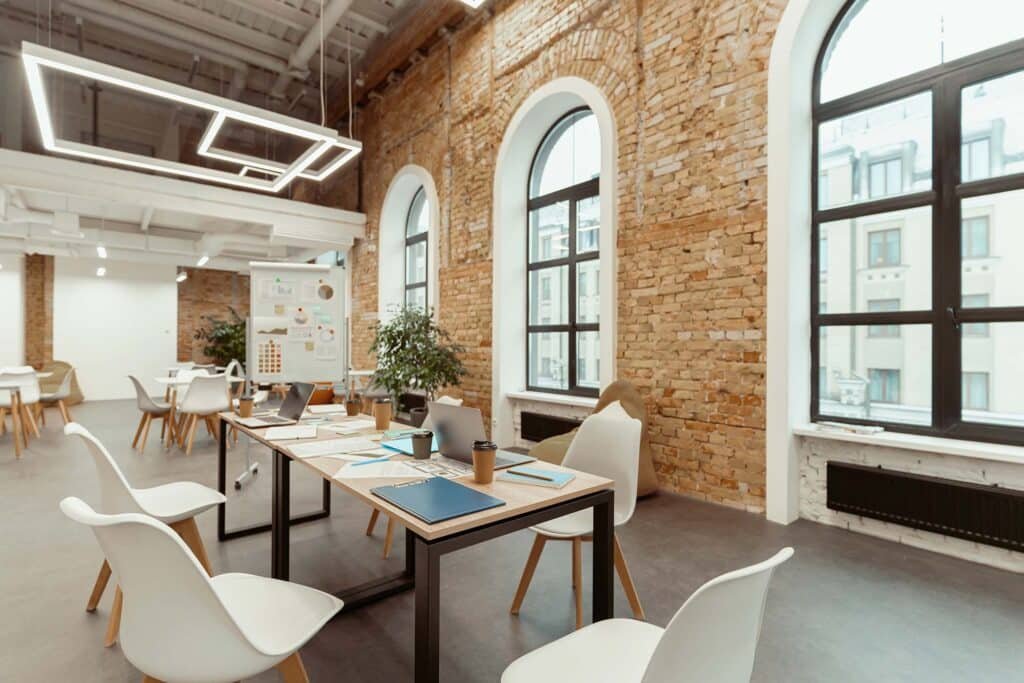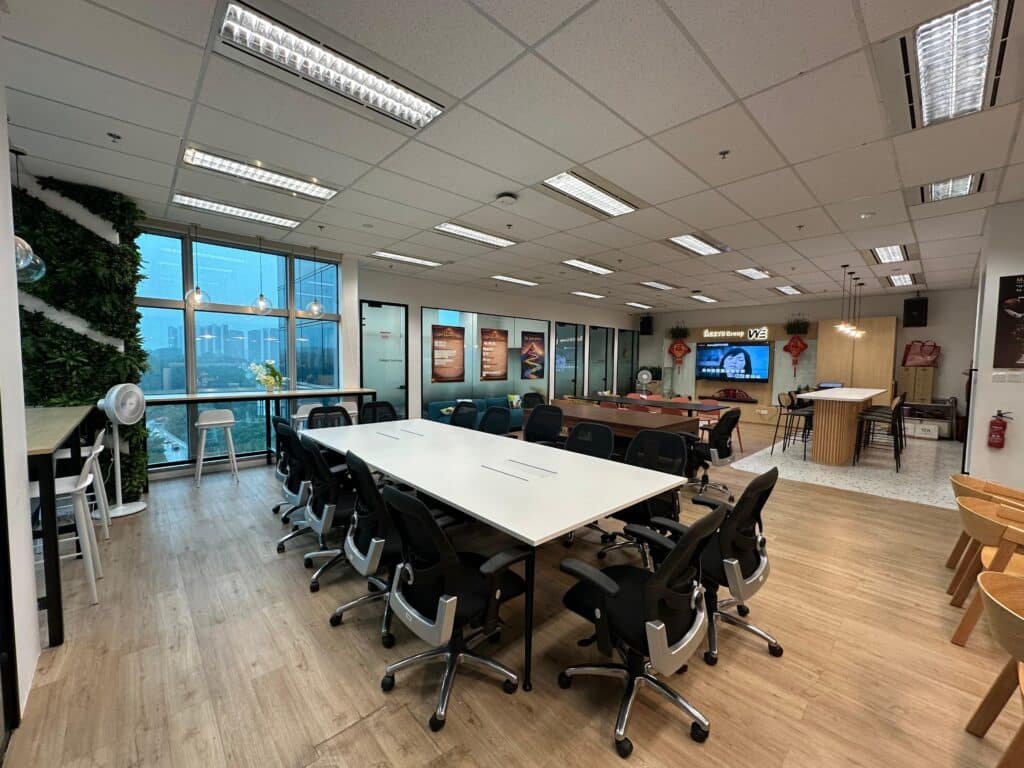
Sometimes when we talk about productivity inside a meeting room, people picture fancy tech, laser pointers, or giant screens that look like they came straight out of a sci-fi movie. But in reality, the biggest improvements often come from the smallest adjustments, better lighting, a cleaner layout, reduced background noise, or simply arranging chairs in a way that encourages real conversation. I’ve seen teams become noticeably more effective not because they adopted some groundbreaking tool, but because they fixed overlooked basics that actually influence how people think, interact, and contribute.
And if you’re planning to upgrade your meeting setup, or considering a more professional environment, exploring dedicated venues can give your team an instant productivity lift even before the meeting starts. These spaces are intentionally designed to reduce distractions and support focused work, especially if you need a ready-made boardroom-style setup for structured discussions or important decision-making.
This guide will walk you through those simple but powerful changes in a clear way, whether in your own office or when booking a professional space that’s built to help teams work better.
What Are Meeting Room Productivity Tips? (Clear Overview)
To keep it simple, meeting room productivity tips refer to strategies, habits, and room adjustments that make meetings run smoother, faster, and without unnecessary chaos. It covers things like:
- the physical setup (chairs, tables, lighting)
- digital tools (screens, microphones, collaborative apps)
- communication habits
- how people prepare before the meeting
- and even the timing or length of the discussion
If you’re booking a dedicated space, choosing the right facility like a meeting room in Singapore CBD can also determine whether your meeting flows well or becomes a constant battle with equipment and distractions.
These tips matter because meetings, when poorly run, waste time and drain energy. Studies from Atlassian & Korn Ferry show that:
- 47% of employees say meetings are the #1 time-waster at work.
- Almost 1 out of 3 meetings are considered unproductive.
- Companies lose thousands of hours per year from inefficient internal discussions.
Alright, enough stats, let’s jump to the practical stuff.
Setting the Right Environment (Where Productivity Actually Begins)
Sometimes it feels like meeting rooms are thrown together last minute, chairs that wobble a bit, a projector that needs a good smack before turning on, cables everywhere. But the room itself quietly shapes how your team thinks.
Below are key environmental components.
1. Lighting That Helps People Think Straight
Bad lighting makes people sleepy, irritated, or even gives them a headache (I’ve had those meetings). Good lighting should feel natural, not too dim, not too white.
Quick tips:
- Use warm or neutral LED lights
- Avoid direct glare on screens
- Allow natural light if possible
Why it works: Studies on workplace lighting show a 12–20% boost in cognitive performance when lighting is optimized.
2. The Way Chairs and Tables Are Arranged
It sounds tiny, but this affects how people interact.
Common layouts:
| Layout Style | Best For | Weakness |
|---|---|---|
| U-shape | Presentations + discussion | Not ideal for large groups |
| Boardroom | Decision-making | People at ends dominate |
| Classroom | Training, workshops | Limited interaction |
| Circle | Brainstorming | Needs more space |
If you need a structured setup without the hassle of rearranging furniture, you can book a ready-to-use boardroom-style morning session for weekday meetings.
3. Temperature and Air Quality (The Silent Productivity Killer)
No one focuses well if the room feels like a sauna or a freezer.
- Ideal meeting room temperature: 22–23°C
- Proper ventilation reduces fatigue by up to 30%
I used to sit in a room that felt like it was designed to store frozen meat…people couldn’t think by the second hour.
Smart Tools That Boost Meeting Productivity
Here’s where a bit of tech helps, nothing too overwhelming.
1. Screens, Displays & Audio That Just Work
A meeting shouldn’t start with: “Can anyone hear me?” or “Wait, the HDMI isn’t working.”
Checklist (simple, but life-saving):
- Functional smart TV/projector
- Wireless screen-sharing
- Working microphones
- Stable internet connection
- Backup cables (seriously, keep them!)
2. Collaboration Apps That People Actually Use
Good apps reduce friction. Popular choices:
- Notion
- Google Workspace
- Slack
- Trello
- Zoom or MS Teams
The trick isn’t having many tools, just having the right ones everyone actually uses.
Communication Habits Inside the Meeting Room
This is the part many overlook, no fancy equipment can fix poor communication.
1. Clear, Short Agendas
If your agenda looks like a shopping list for a family of twelve, you’re doing it wrong.
Keep it around 3–5 key points.
2. Encourage Talk, Not Monologues
A simple rule: If one person speaks for more than 90 seconds, they should pause and let others in.
This reduces drift and keeps ideas flowing.
3. Timeboxing Topics
Give each topic a time limit:
Example:
- Intro – 3 minutes
- Main discussion – 20 minutes
- Decisions – 5 minutes
- Next steps – 2 minutes
Meetings magically end faster this way.
Beyond the Room: Preparation & Follow-Up Habits
Even the best meeting room can’t fix poor preparation.
Before the Meeting
- Send agenda 24 hours early
- Share relevant files
- Let people add comments/questions beforehand
After the Meeting
- Summarize decisions
- Assign clear owners
- Set deadlines
- Share notes with everyone
Simple, yes but most teams skip this.
Real Case Example: A Small Company That Improved Meetings by 40%
There was a small marketing team in Singapore, around 12 people. Their meetings used to run for 1.5 hours and always felt like a drag.
They made these changes:
- Fixed their lighting & AC
- Removed clutter and unused equipment
- Installed a single clean screen with wireless sharing
- Introduced a “20-minute rule” for updates
- Created a rotating meeting leader schedule
Within 1 month:
- Meetings dropped from 90 min → 55 min
- Decision-making improved 40% faster
- People actually liked showing up (big win!)
Small tweaks → big results.
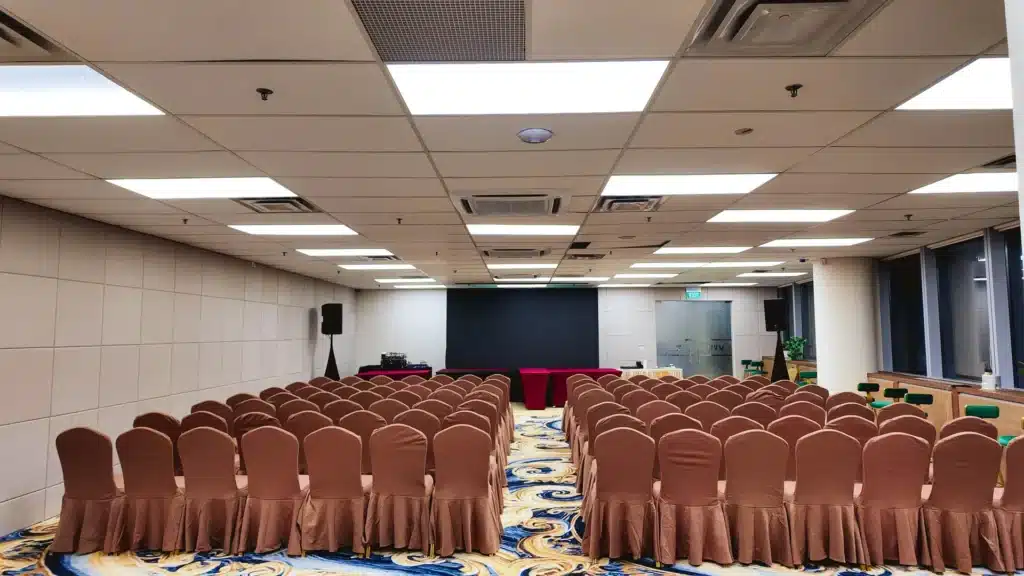
Conclusion + Why Your Ideal Meeting Room Matters
At the end of the day, meeting room productivity tips are less about complicated systems and more about creating an environment where people feel awake, comfortable, and ready to think. A few soft improvements lighting, layout, agenda clarity, and good tools can transform the way your whole team works together.
And if you’re planning to upgrade your meeting space, book a modern venue, or simply want a room that supports better thinking, you can explore our space options and productivity-optimized rooms at Vita Venue
FAQs (Frequently Asked Questions)
Why do my meetings feel long even with an agenda?
Agendas may be too broadbreak them into smaller time-limited chunks.
Does the room layout matter?
Yes. U-shape or circular layouts increase engagement by 20–30%.
Cheapest hack?
Lighting and decluttering.
Ideal meeting length?
25–45 minutes.
How do I reduce distractions?
Use shorter sessions, clearer visuals, and assign small roles.